

Web Interface
clauderon daemon# Open http://localhost:3030Authentication
Section titled “Authentication”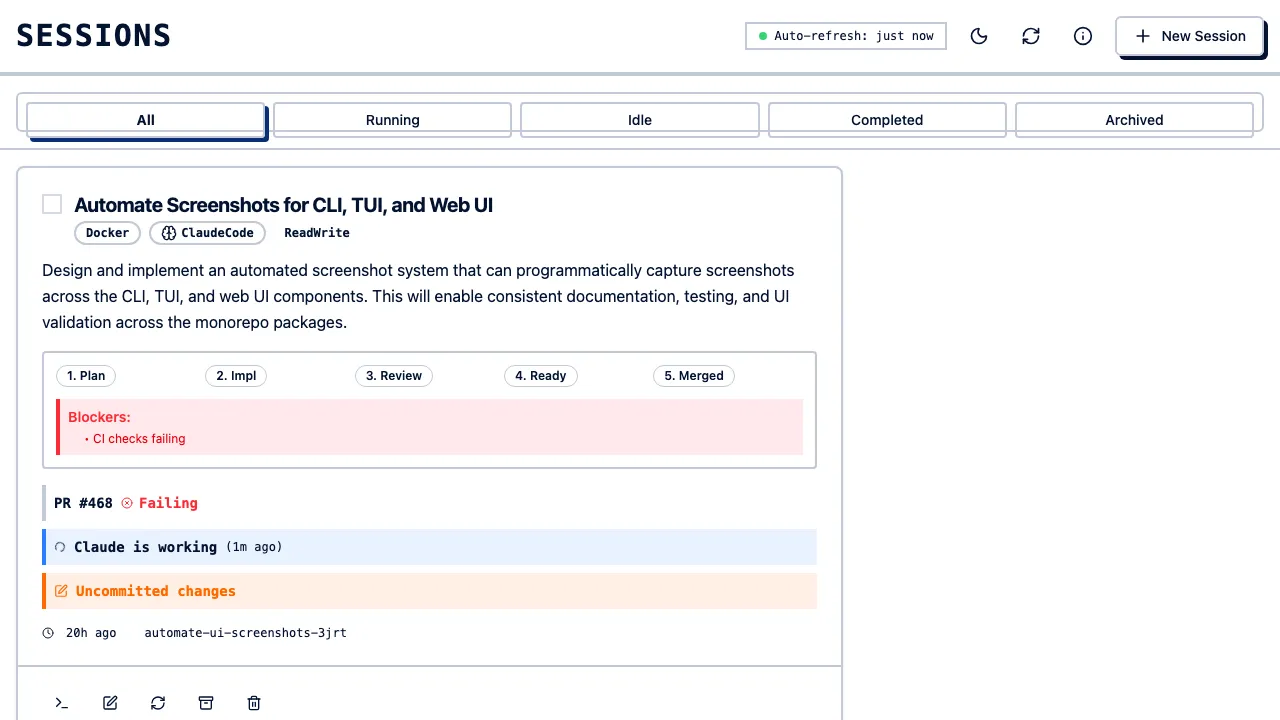
WebAuthn passwordless authentication (optional).
Dashboard
Section titled “Dashboard”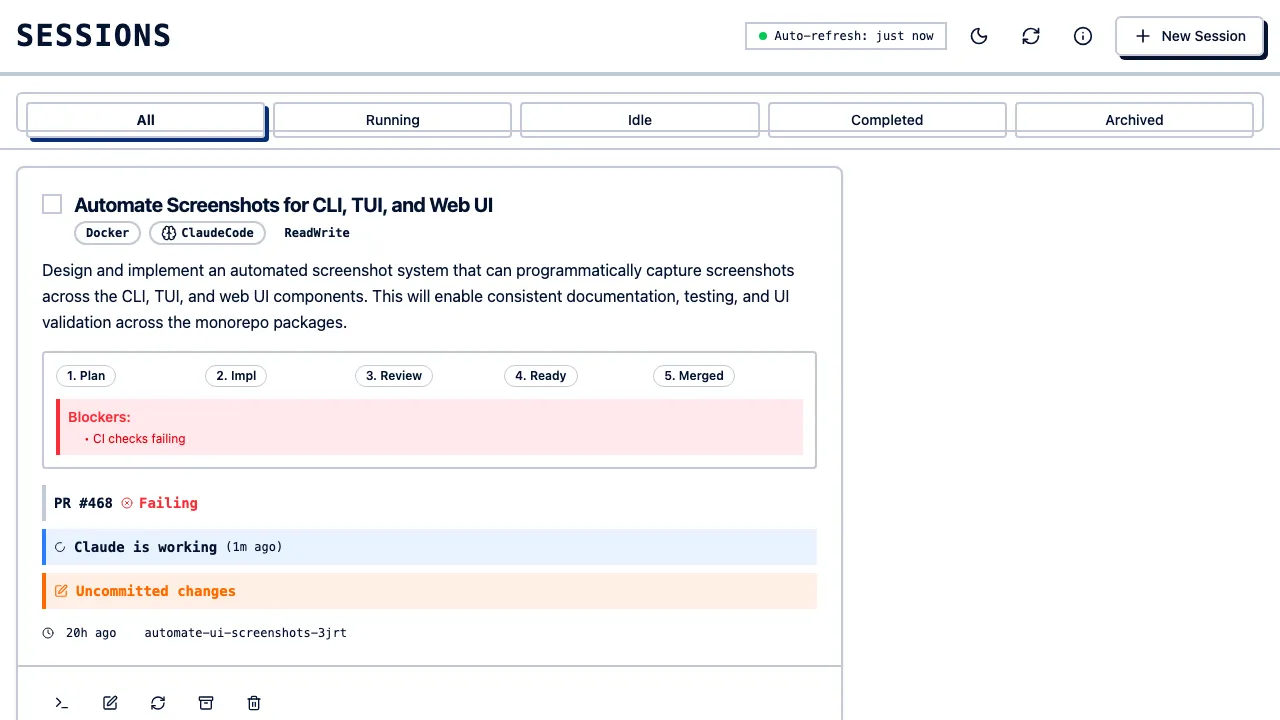
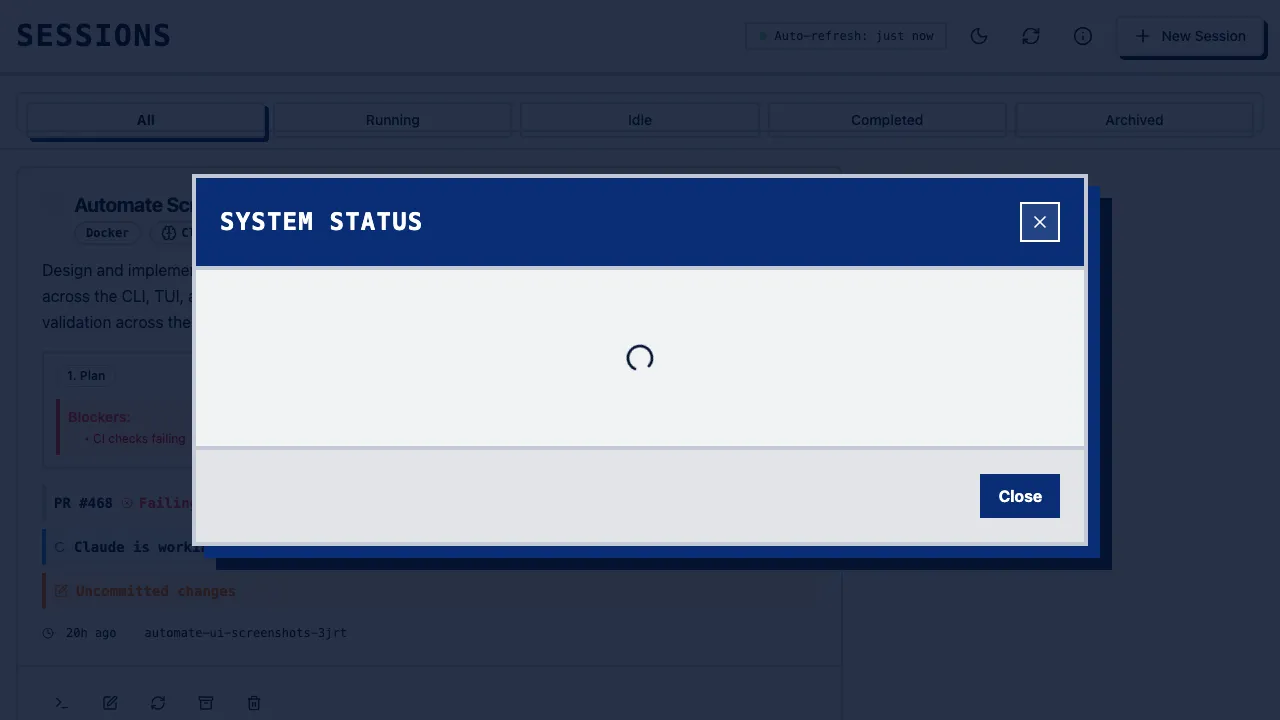
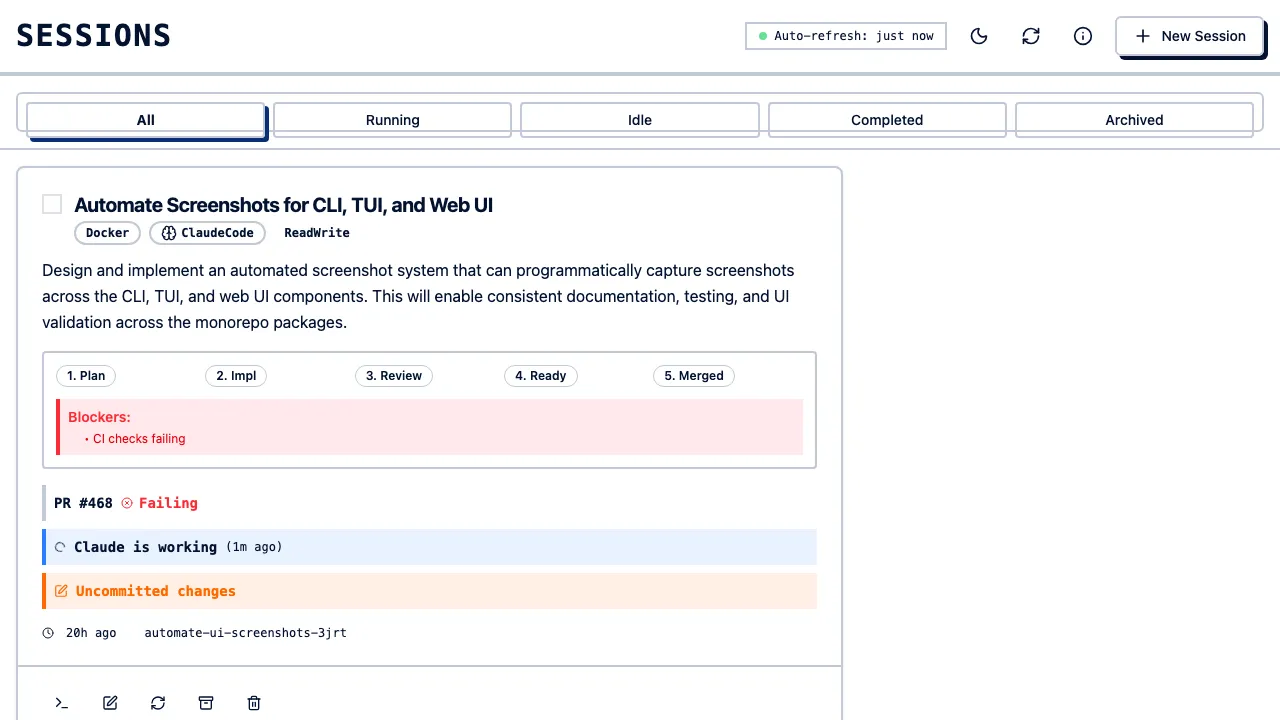
Shows all sessions with status, backend, agent, and timestamps. Filter by status, backend, agent:
Create Session
Section titled “Create Session”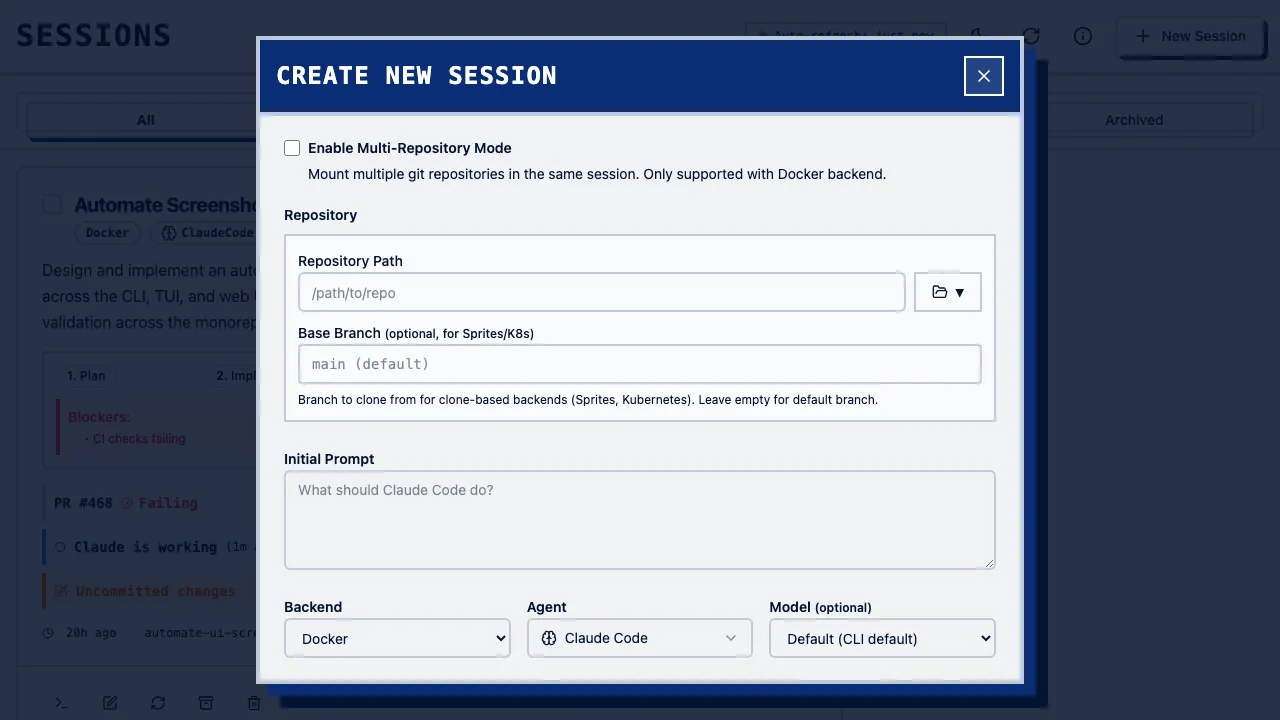
Click “New Session” to configure: repository path, prompt, backend, agent.
Session Details
Section titled “Session Details”Click a session to view chat history, task status, token usage, logs, and file changes. Real-time updates via WebSocket.
Session Management
Section titled “Session Management”- Archive - Hide completed sessions (toggle “Show Archived” to view)
- Delete - Permanently removes worktree, backend resources, and DB record
Authentication Setup
Section titled “Authentication Setup”Default: no auth, localhost only.
# Enable WebAuthnclauderon daemon --enable-webauthn-auth[feature_flags]webauthn_auth = trueRemote Access
Section titled “Remote Access”SSH Tunnel:
ssh -L 3030:localhost:3030 user@serverReverse Proxy (nginx):
server { listen 443 ssl; server_name clauderon.example.com; ssl_certificate /path/to/cert.pem; ssl_certificate_key /path/to/key.pem; location / { proxy_pass http://localhost:3030; proxy_http_version 1.1; proxy_set_header Upgrade $http_upgrade; proxy_set_header Connection "upgrade"; proxy_set_header Host $host; }}Keyboard Shortcuts
Section titled “Keyboard Shortcuts”| Shortcut | Action |
|---|---|
n | New session |
j / k | Navigate sessions |
Enter | Open session details |
a | Archive session |
d | Delete session |
/ | Focus search |
? | Show shortcuts |
Development Mode
Section titled “Development Mode”clauderon daemon --dev # serves frontend from filesystem with hot reloadTroubleshooting
Section titled “Troubleshooting”| Problem | Solution |
|---|---|
| Page not loading | curl http://localhost:3030/health |
| WebSocket disconnected | Auto-reconnects |
| Session not appearing | Refresh or clauderon list |
| Slow performance | Archive old sessions |